Upload
Add a PDF, spreadsheet, screenshot, selected Google Drive file, or pasted bid invite. No long form required.
Upload a PDF, spreadsheet, email screenshot, pasted bid invite, or selected file from Google Drive. BidDesk AI extracts deadlines, scope, contacts, risks, and next steps into an editable bid package.
Founding Contractor access: $20/month. Your AI bid desk for materials, briefings, risks, dates, and draft responses.
AI drafts and flags. You edit details. Nothing sends automatically.
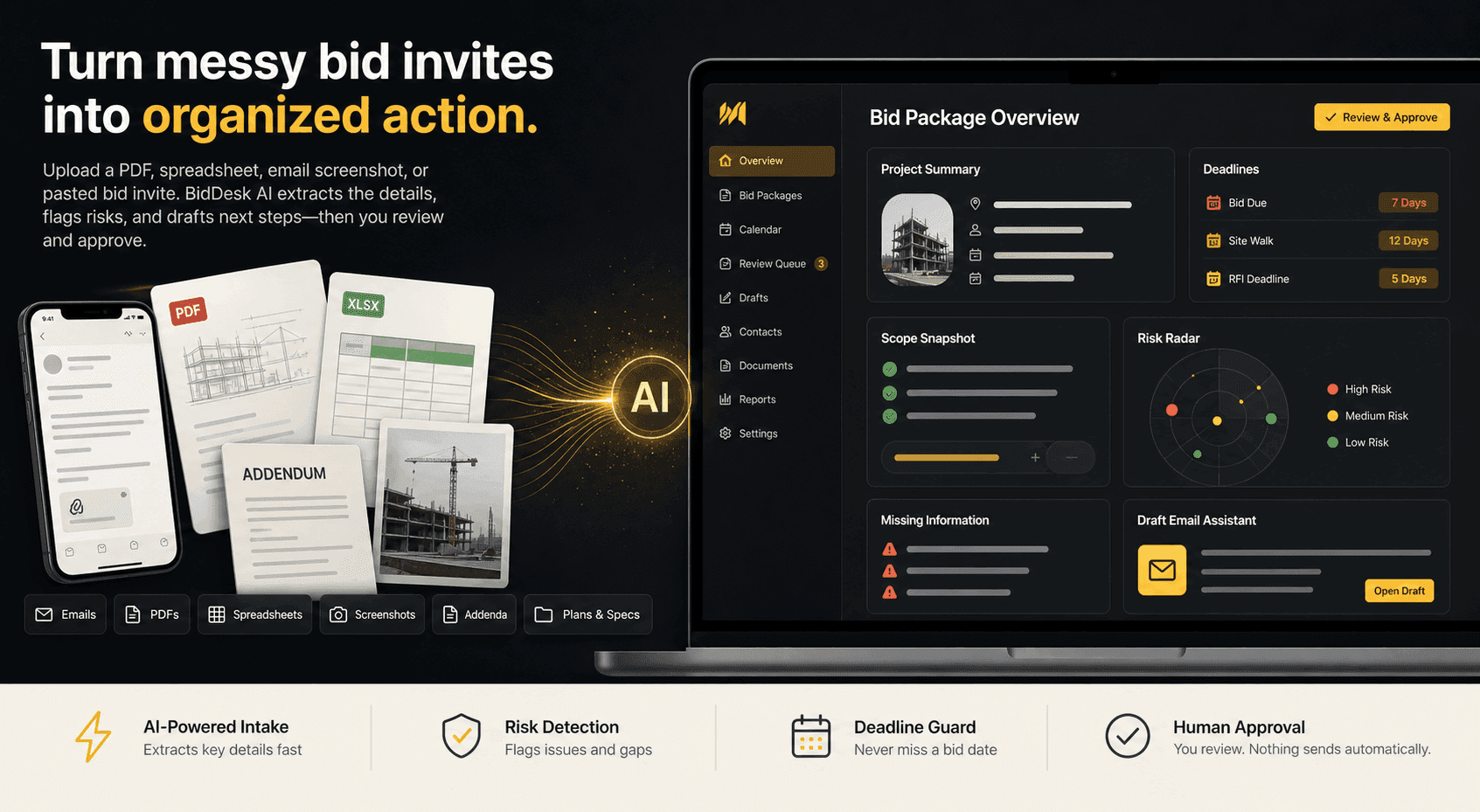
Add a PDF, spreadsheet, screenshot, selected Google Drive file, or pasted bid invite. No long form required.
BidDesk AI pulls out deadlines, scope, contacts, forms, risks, and missing info.
Your team edits bid details, drafts next steps, and moves the bid through the pipeline.
The homepage stays simple because the workflow is simple: bring the bid invite, select the file you want, let BidDesk organize it, then review what matters.
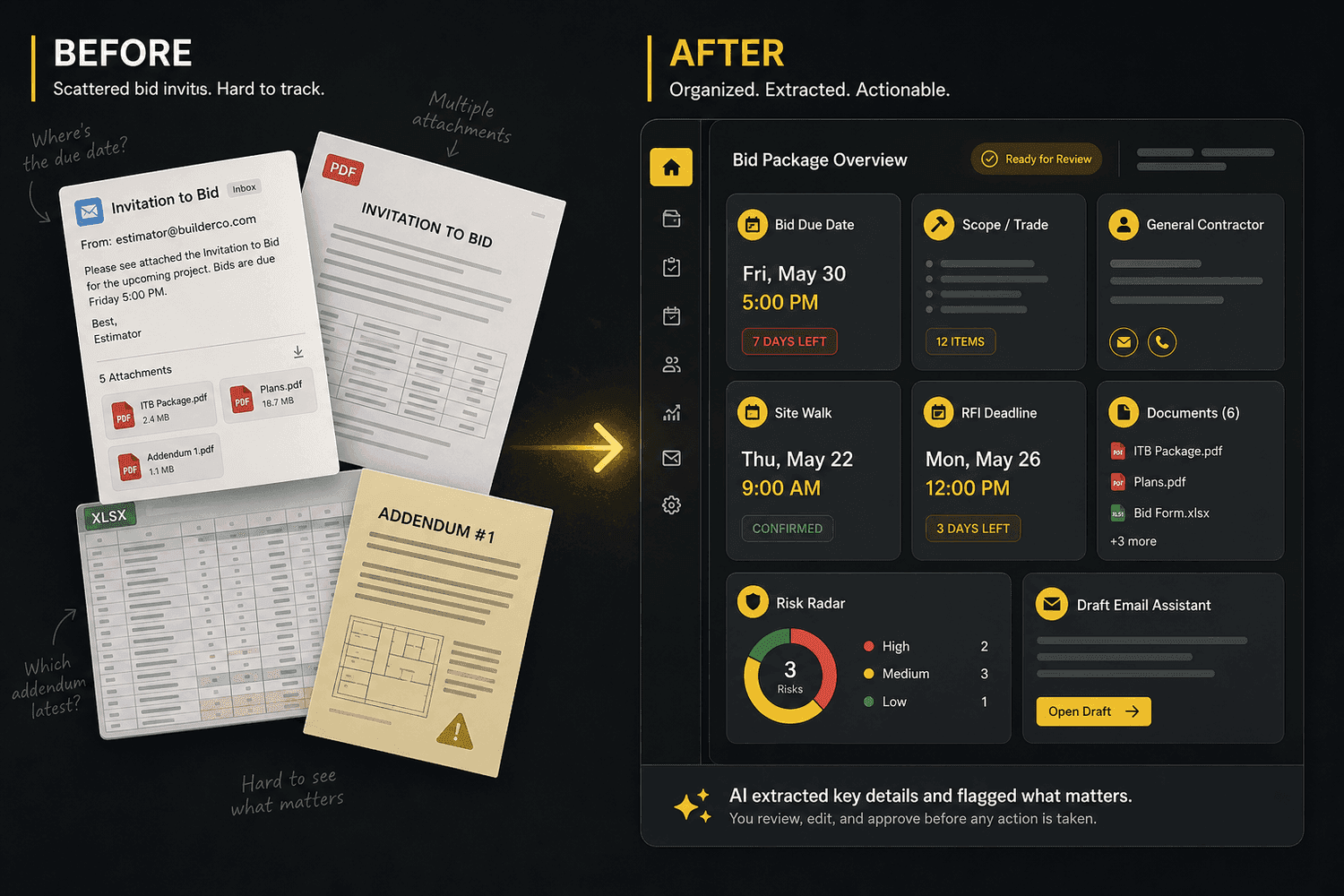
Contractors can start with a screenshot from a phone, a PDF invite, a spreadsheet bid form, a selected Google Drive file, or copied email text. BidDesk turns the inputs into reviewable fields and action drafts.
Learn how intake works
Turn uploaded files, selected Drive files, screenshots, and pasted invite text into one organized bid package.
Upload phone screenshots, planroom pages, PDFs, specs, spreadsheets, addenda, or specific files selected from Google Drive.
Find due dates, site walks, RFI deadlines, and missing deadline details.
Flag unclear scope, insurance, bonding, payment, addenda, and missing requirements.
Create editable RFI, supplier quote request, follow-up, no-bid, and summary drafts.
AI drafts and flags. You edit details and nothing sends automatically.
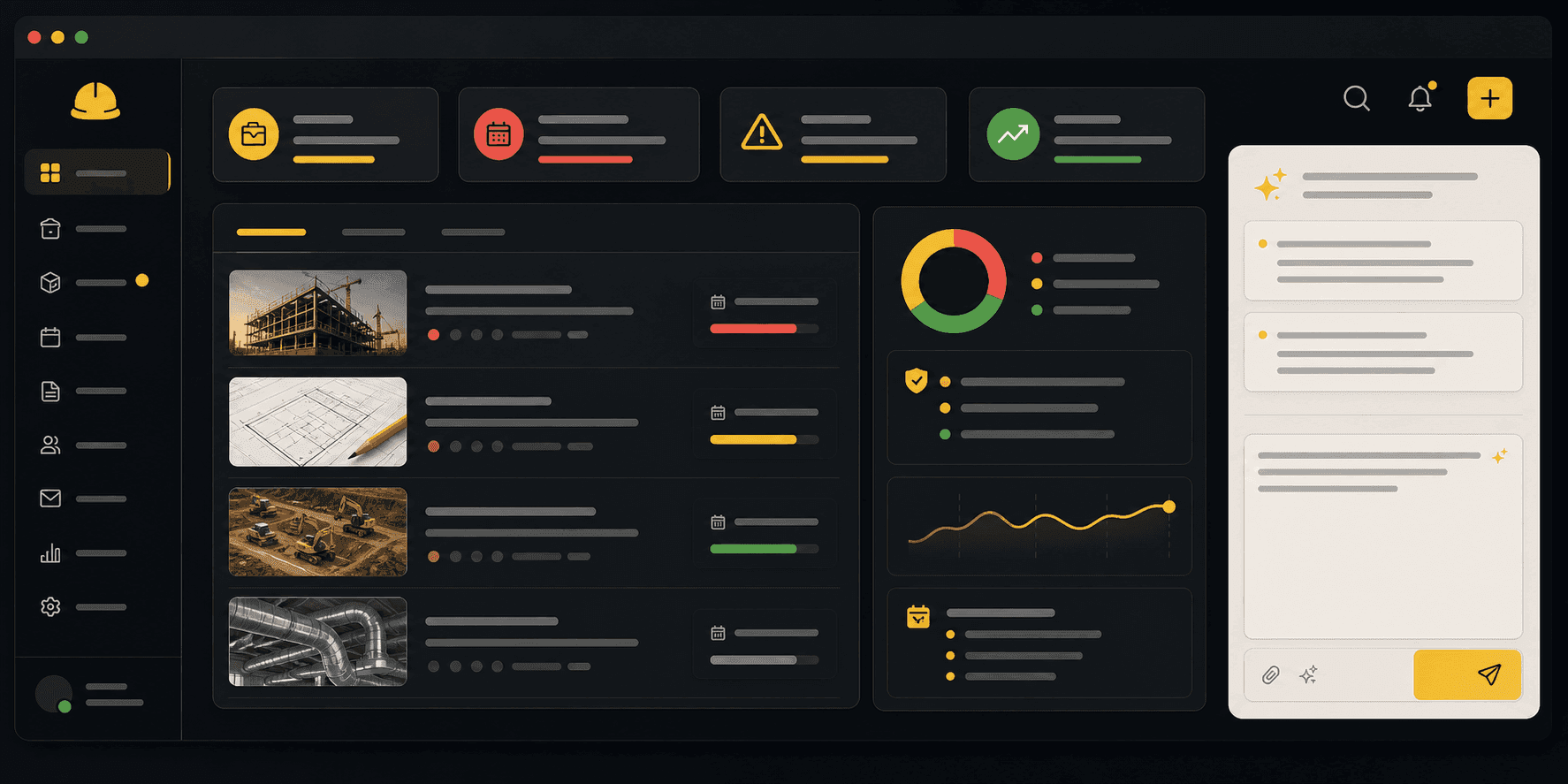
Demo mode shows the dashboard pipeline, AI summary, checklist, RFI draft, supplier quote email draft, and reminder flow without touching live data.
No. You choose what to upload, paste, or select from Google Drive. Google sign-in is only authentication, and Drive import only asks for selected-file access.
Yes. Screenshots, PDFs, spreadsheets, TXT/CSV files, and pasted bid text can start intake.
No. Extracted fields and draft emails are reviewable before your team acts.
No. BidDesk helps organize and draft, but your team reviews bid and contract decisions.